Why 20 Finished Ads From One URL Come Back Ranked — and What That Ranking Actually Tells You
Here's the part nobody talks about when they pitch you an AI creative tool: generating images is the easy bit. The hard part — the part that eats hours and still produces nothing you'd actually push live — is figuring out which creative to run, at which angle, with copy that actually matches the visual. Most tools drop a folder of pictures in your lap and wish you luck.
So you mix and match. You write six versions of copy. You upload them one by one, set targeting, cross your fingers, and wait weeks to find out the algorithm hated all of them equally. The wasted spend isn't the worst part. The worst part is that you still don't know why.
I built Instant Image Ads because I kept watching smart operators get stuck in that same loop. Not because they were bad at marketing. Because the tools they were using made judgment their problem instead of solving it.
My co-founder Frank from oJoy.ai once said he never reads instruction manuals — which means things take him three times longer and he breaks half of them before starting over. His design instinct was to stop trying to fix that and just build tools that don't require a manual. That's the same instinct that shaped Instant Image Ads.
When we built it, the core question wasn't 'how do we generate more creatives faster?' It was: 'how do we give someone with no media buyer on retainer the same ranked, reasoned output a paid strategist would deliver?' The answer was to make the tool read your sales page, pull out your real selling points and audience signals, build 20 finished ads — image, copy, and every Meta field together in one pass — and then rank them strongest to weakest with the reason attached. Not just a stack of files. A recommendation.
That's Instant Image Ads. Paste your sales page URL, pick your campaign and pixel, and 20 paused, ready-to-test ads land in your own Meta ad account. No assembly required. No guessing which one to run first — the tool tells you.
It reads your page first — every time
Before a single creative gets built, Instant Image Ads reads your sales page for audience signals and your strongest selling points. That's not a one-time setup. It re-reads it on every batch. So if you updated your offer last Tuesday, the ads reflect Tuesday's page — not the version from six months ago you forgot to update anywhere else.
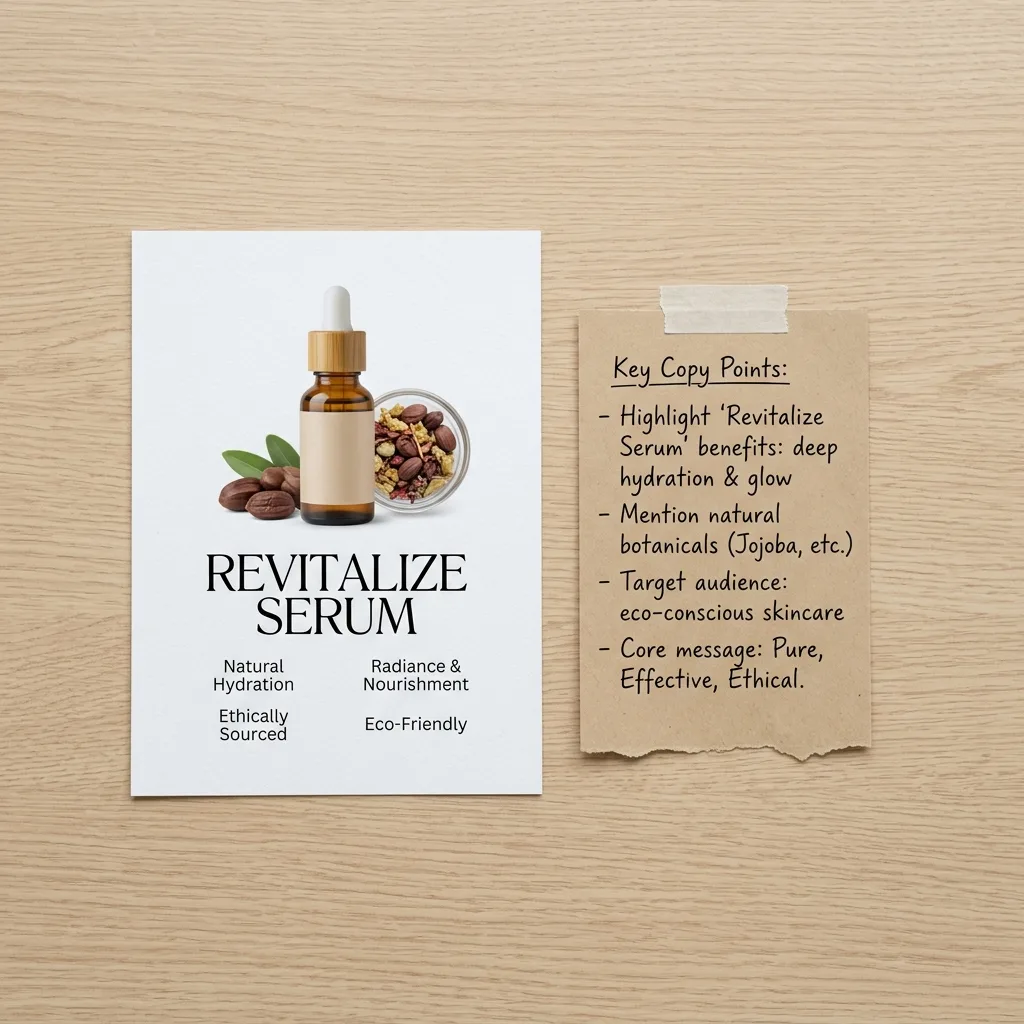
Image and copy are born together — not bolted on after
Every ad is one image, its Facebook primary text, a headline, a description, and a CTA button — generated together in one pass, off the same source idea. The visual and the words are arguing the same point. That's what 'matched creative' actually means, and it's why the ads don't need you to play copywriter after the fact to make them make sense.
Ranked strongest to weakest, with the reason attached
When the batch comes back, it's not a random pile. Each ad is ranked, and the ranking comes with an explanation — which angle, why it scores higher, what it's targeting. That's the layer you'd normally pay a media buyer or creative strategist to give you. It's built in, every single time, so you know which one to activate first and why.
28 formats, no repeats — so you're actually testing angles
The 20 ads in a batch are dealt across 28 different ad formats. No two pull the same angle twice. That matters because the Meta algorithm needs creative variety to find your buyer — feeding it ten versions of the same headline just means ten bets on one horse. This gives you real coverage across angles without you having to brainstorm what those angles even are.
Lands in your ad account paused — nothing runs until you say so
Every ad pushes directly into the campaign, ad set, and pixel you pick. They arrive paused. Nothing spends a cent until you flip the switch. You can review the full deck inside your own Meta account, make a call, and activate the top card. Or send the batch to Buffer and push it to Facebook, Instagram, LinkedIn, X, and Pinterest without touching the ad account at all.
Here's what you get with Instant Image Ads: a one-time purchase that includes 1,000 starter credits — enough for about 40 finished ads plus 4 carousels before you need more. Paste a URL, get 20 finished Facebook and Instagram ads, ranked strongest to weakest with the reason shown, pushed into your own Meta account as paused ads. Per-ad redo in one click if one image or one line of copy misses. Carousels in 6 or 8 slides, across 11 named visual styles. Buffer export to Facebook, Instagram, LinkedIn, X, and Pinterest if you're not running paid yet.
No monthly fee. No subscription you'll forget about. One purchase, your account, your creatives, your call on what runs.
Get Instant Image Ads — One-Time Purchase →Questions people actually ask
Do I need to know how Facebook ads work to use this?
You need to have a Meta ad account set up — Instant Image Ads connects to the campaign, ad set, and pixel you already have. If you've never opened Ads Manager, there's a short setup step before the tool is useful. But if you've run even one campaign before, the workflow is four screens: paste URL, review what it pulled, confirm, push.
What if my product page isn't very long or detailed?
The tool reads whatever is on your sales page. A thin page with fewer selling points will produce ads that reflect that. If your page has one strong hook and a clear offer, the ads will carry that. If it's mostly navigation and stock photos, the output will be weaker. The honest answer: the better your page, the better the ads.
Is this going to look like every other AI-generated ad?
The batch is spread across 28 ad formats with no two pulling the same angle, and the copy is sourced from your specific page — not a generic template. That said, you have a per-ad redo: one click swaps in a fresh image or fresh copy on any individual ad without regenerating the whole batch. You stay in control of what actually goes live.
What happens when my 1,000 starter credits run out?
You'd need to purchase additional credits. The entry purchase covers about 40 finished ads plus 4 carousels before credits become a conversation. Reading a new sales page costs 10 credits. A full batch of 20 ads costs credits from that pool. Check the sales page for current credit pricing before buying.
Can I use this for client work, not just my own products?
Yes. The tool reads any sales page URL you point it at, so you can run batches for different clients by pointing it at each one in turn. You pick the campaign, ad set, and pixel for each push — so client accounts stay separate.
I'm not ready to run paid ads yet. Is this still useful?
Honestly, maybe not as the primary reason to buy. The core workflow pushes ads into Meta as paused — that's the main output. There is a Buffer export that sends carousels to Facebook, Instagram, LinkedIn, X, and Pinterest for organic posting, which works without an ad budget. But if paid ads aren't in your near-term plan at all, the tool is built around that workflow and you'd only be using a slice of it.